Support
Who is First Words for?
Children aged about 1 to 3, with a grown-up beside them. It's made for looking and talking together: point at the picture, say the word, and wait for your little one to have a go. When your child is ready for letter sounds, our app Bear Phonics is the next step.
How do the three ways to play work?
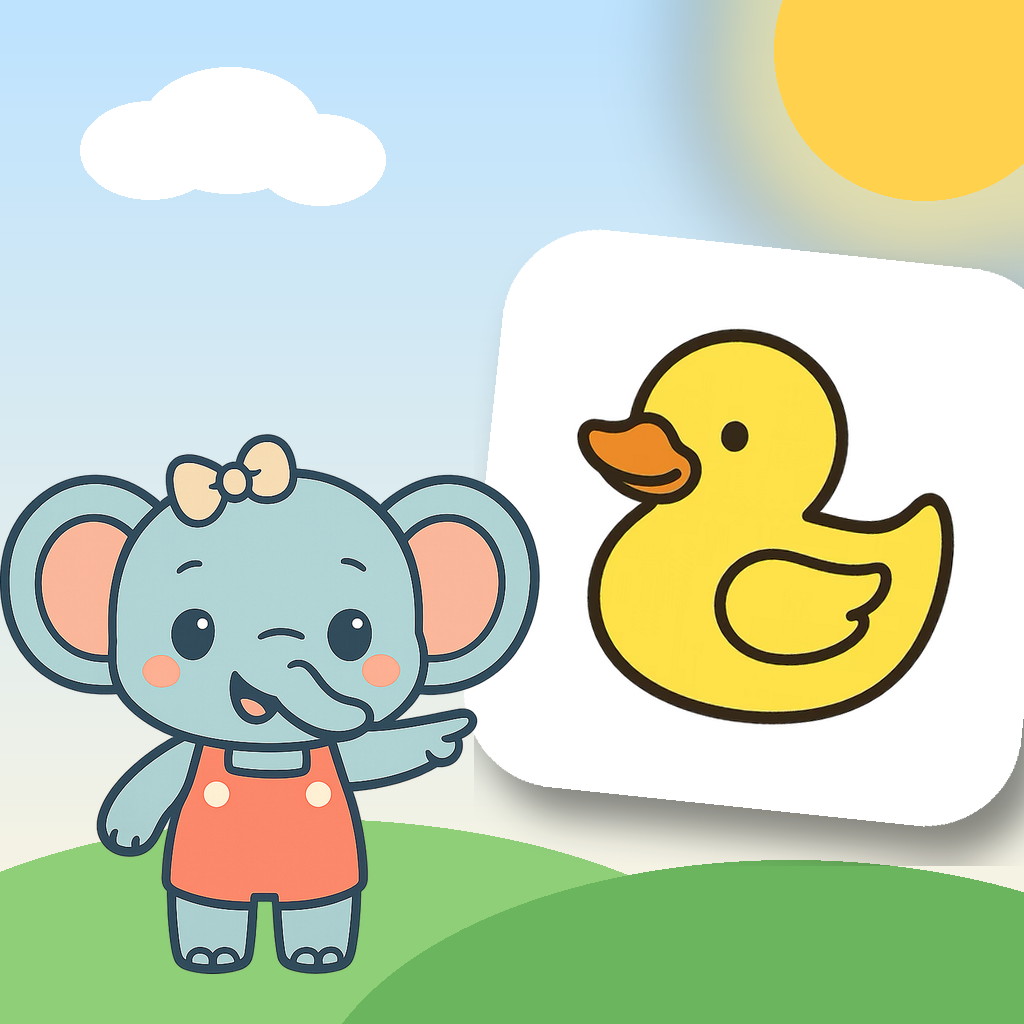
Look and say shows one big picture at a time and says the word and a short line. Tap the picture to hear it again. After 12 words it ends by itself. Where's the…? shows two pictures (three once you've seen 30 words) and Momo asks for one. Who says…? works the same way with sounds: "Who says moo?" There are no scores, buzzers or timers. Tap a group on Home to see all its pictures and pick one.
What's free, and what does Unlock everything add?
Animals and Food (49 words) are free forever, in all three ways to play. Unlock everything opens the other 12 groups (Bugs and sea, Toys and play, Body, Clothes, Home, Out and about, Colors, Shapes, Numbers, Actions, Feelings and Little words), plus every word we add later. It's a one-time purchase, not a subscription, and it works with Family Sharing.
How do I buy or restore?
On Home, press and hold the small lock at the top right for 3 seconds, answer the times-table question, then tap Unlock everything or Restore purchases on the Grown-ups page. Restore uses the same Apple ID that made the purchase.
Can I switch between American and British words?
Yes: on the Grown-ups page, choose US or UK English. It changes the voice and a few words, such as diaper and nappy, or cookie and biscuit.
There's no sound.
- Turn the volume up; First Words plays even with the silent switch on.
- Check "Voice and sounds" is on in the Grown-ups page.
- If headphones or a speaker are connected, check the sound is going there.
Can I turn off the tips or the music?
Yes. On the Grown-ups page you can turn off the talk tips under each word and the soft music on Home. There's never music while a word is on screen.
Still need help?
Email home.berry.shop@gmail.com. Please include your device model and iOS version.